
Online communication has changed dramatically. Static contact forms are no longer enough. Today, businesses rely on WordPress chat plugin to offer real-time messaging, automate conversations, and capture leads instantly.
Whether you run an ecommerce store, SaaS platform, or service-based website, adding a live chat plugin for WordPress can improve visitor engagement and conversion rates. But with so many options available, choosing the right WordPress live chat plugin requires a strategic approach.
This guide walks you through everything — from features and performance impact to security, automation, and how to choose the best solution for your website.
Understanding Live Chat, Chatbots & AI Messaging
Not all chat systems work the same way.
A WordPress chat plugin may offer:
- Live agent support (real-time communication)
- Automated responses
- AI-powered chatbots
- Hybrid systems combining both
Modern WordPress chatbot tools use automation workflows to handle FAQs, book appointments, and qualify leads. Meanwhile, AI chat WordPress plugins can provide 24/7 support without requiring a full team.
If you’re exploring the best WordPress live chat plugin with chatbot, look for automation features that feel conversational rather than robotic.
Business Benefits Beyond Customer Support
Many businesses think chat tools are only for support. In reality, they impact much more:
- Lead generation through proactive chat triggers
- Faster sales cycle acceleration
- Better visitor tracking insights
- Higher customer retention
A well-configured live chat support WordPress setup can boost engagement by interacting with visitors before they leave.
For ecommerce sites, a WooCommerce live chat plugin helps answer product questions instantly — reducing abandoned carts.
Types of WordPress Chat Solutions
There are several types of chat systems available:
1. Live Agent Chat
Best for teams offering direct human support.
2. AI Chatbots
Perfect for 24/7 automated assistance.
3. CRM-Integrated Chat Tools
These connect conversations directly to CRM systems for better follow-ups.
4. Multichannel Communication Platforms
Allow messaging across website, email, and social platforms.
If you’re comparing options, a WordPress chat plugin comparison 2026 approach helps evaluate scalability and features side by side.
Essential Features for Modern Websites
When choosing the best WordPress chat plugins, look for:
- Real-time messaging
- Customizable chat widget design
- CRM integration
- Visitor analytics & reporting
- Mobile-responsive chat widget
- Multilingual support
- Automated chat responses
- Behavior-based triggers
A WordPress chat plugin with analytics gives you insights into user behavior, which improves future marketing decisions.
For ecommerce, choose a WordPress chat plugin for ecommerce that integrates smoothly with product pages.
Security, Privacy & Data Protection
Security is often overlooked.
Before installing a premium WordPress chat plugin, evaluate:
- Data encryption standards
- GDPR compliance
- Secure storage
- Role-based access control
If you’re running enterprise-level operations, consider WordPress enterprise chat plugins that prioritize secure data handling.
Website Speed & Technical Performance
A common concern:
Does a WordPress live chat plugin slow down my website?
Poorly coded tools can impact performance. However, the fastest WordPress chat plugin options use:
- Asynchronous script loading
- Lazy loading widgets
- Lightweight code
Before installing, test the plugin’s SEO impact and performance compatibility with your theme and hosting.
Top WordPress Chat Plugins (Expert Evaluation)
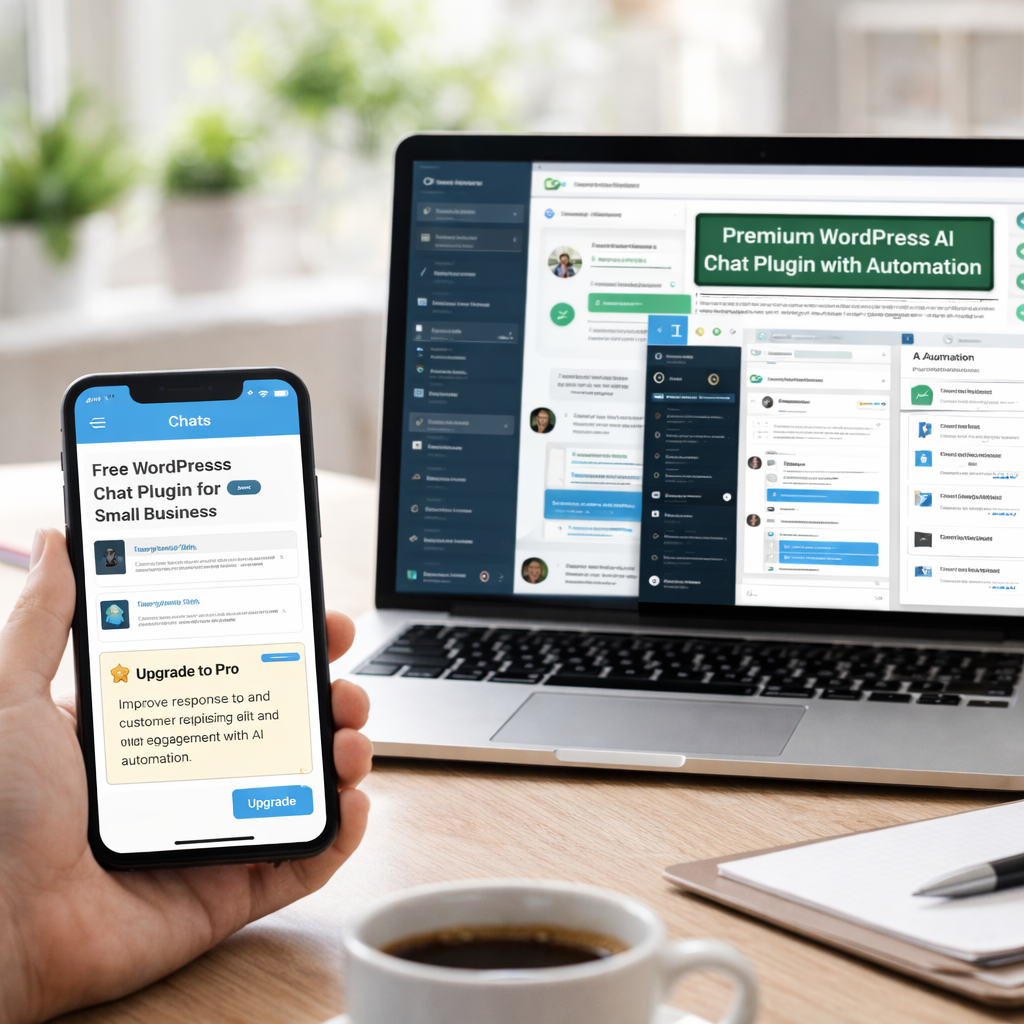
When reviewing the top WordPress chat plugins, consider:
- Ease of installation
- Integration capabilities
- Automation depth
- Pricing model
- Scalability
If you’re on a budget, explore the best free WordPress chat plugins for small business. Many offer solid starter features, though advanced automation often requires upgrading.
For businesses prioritizing automation, a WordPress AI chat plugin with automation delivers better scalability.
WordPress Chat Plugins for Different Business Types
Choosing the right tool depends on your business model.
Small Businesses
Free or lightweight plugins work well.
Ecommerce Stores
Choose tools that integrate with WooCommerce.
SaaS Platforms
Look for CRM and helpdesk integrations.
Enterprises
Focus on security, analytics, and automation depth.
If you’re researching how to choose WordPress chat plugin options wisely, match features to your growth stage.
AI & Automation Trends in Website Messaging
AI-powered messaging is evolving rapidly.
Modern systems now support:
- Context-aware chat triggers
- Smart lead scoring
- Personalized messaging flows
- Automated follow-ups
Businesses investing in AI chat plugin systems gain a competitive advantage by offering intelligent conversations instead of static replies.
How to Add Live Chat to WordPress (Step-by-Step)
If you’re wondering how to add live chat to WordPress, the process is simple:
- Go to WordPress Dashboard
- Navigate to Plugins → Add New
- Search for your chosen plugin
- Install and activate
- Configure settings and customize widget
Most platforms provide onboarding tutorials to help with installation.
Final Thoughts
Choosing the best WordPress chat plugins isn’t just about features — it’s about strategy.
The right chat plugin improves:
- Customer experience
- Lead capture
- Engagement
- Conversion rates
Whether you select a free option or invest in a premium solution, prioritize performance, security, automation, and integration capabilities.