
Choosing the right WordPress theme is crucial for the success of your website. Whether you’re running a personal blog, an e-commerce store, or a business site, the theme plays a pivotal role in your website’s design, speed, SEO, and overall user experience. In this guide, we’ll walk you through the most important features to look for, the best theme options for different website types, and tips on customizing your theme.
Why Choosing the Right WordPress Theme Matters
The WordPress theme you choose can have a significant impact on your website’s performance and search engine ranking. A well-designed theme enhances the user experience, promotes easy navigation, and ensures your site is fast, responsive, and optimized for SEO. Whether you are looking for SEO-friendly WordPress themes, fast loading times, or a mobile-friendly design, the theme you choose will shape how your website functions and performs.
Key Features to Look for in a WordPress Theme
When selecting the best WordPress theme for your site, consider the following essential features:
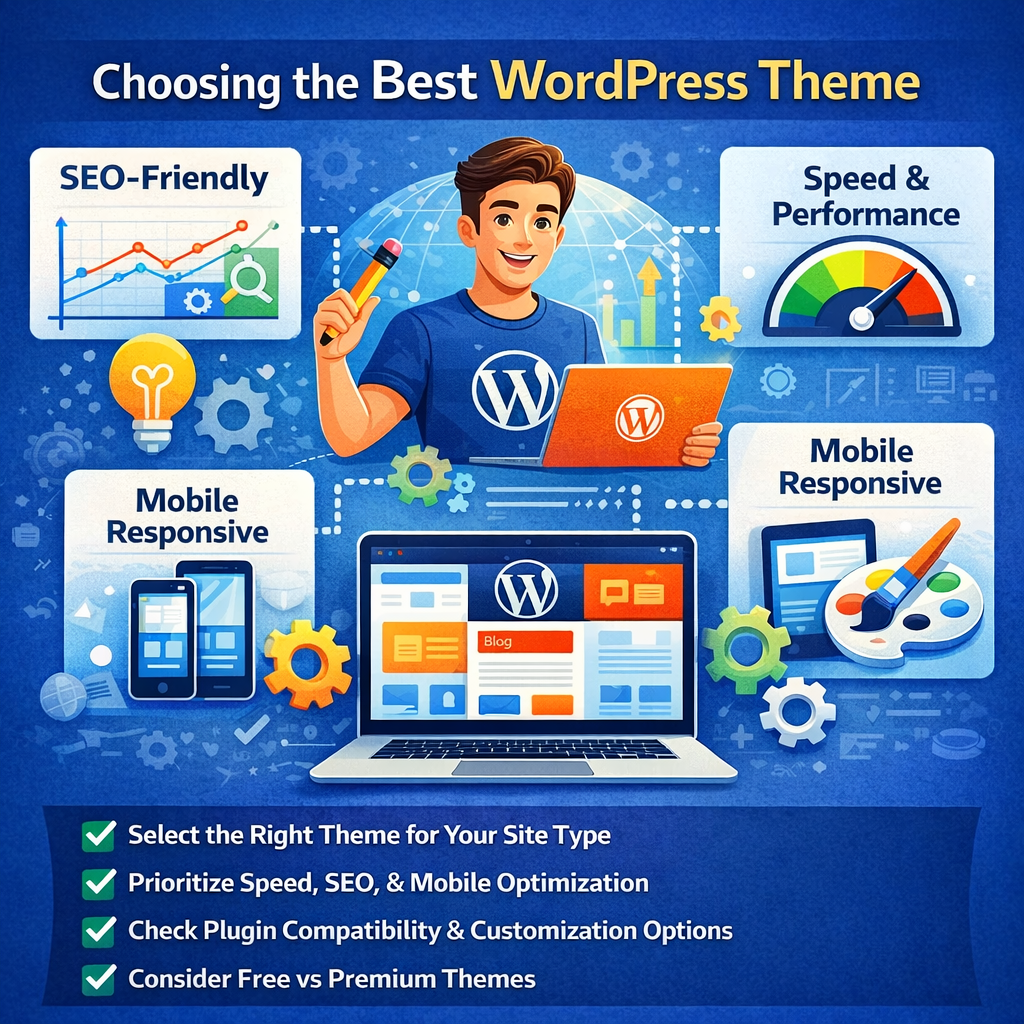
SEO-Friendly Features
SEO-friendly WordPress themes come with optimized code that helps your site rank better in search engines. Look for themes that offer schema markup support and are compatible with SEO plugins like Yoast SEO. An SEO-optimized theme ensures that search engines can easily read and index your website’s content.
Speed Optimization
A fast-loading website is not only crucial for user experience but also for SEO. Choose a theme that is lightweight and optimized for speed. The faster your website loads, the lower your bounce rate and the higher your chances of ranking well on Google.
Mobile Responsiveness
More than half of all internet traffic comes from mobile devices. Therefore, your WordPress theme must be mobile-friendly. Ensure that the theme you choose provides a seamless browsing experience on smartphones and tablets, which will also improve your SEO ranking.
Customization Options
A good WordPress theme should offer various customization options. This includes the ability to change colors, fonts, layout, and more, without needing to code. This flexibility is important if you want to tailor your website to match your branding and style.
Plugin Compatibility
Ensure that your theme is compatible with the most popular WordPress plugins, especially those for SEO, page builders (like Elementor), e-commerce (WooCommerce), and social sharing. A theme that works well with plugins will save you time and effort in building your site.
Best WordPress Themes for Blogs
Blogs require themes that are lightweight, SEO-optimized, and easy to customize. Here are some of the best WordPress themes for bloggers:
- Astra: Known for its speed and flexibility, Astra is a popular choice among bloggers. It offers a range of customization options and is compatible with most page builders and plugins.
- GeneratePress: This theme is highly lightweight and performance-focused. It’s perfect for bloggers who want a fast, SEO-friendly site.
- Neve: A versatile, mobile-first theme that is perfect for bloggers looking for a responsive and customizable layout.
Best WordPress Themes for E-commerce
If you’re running an online store, you’ll need a WordPress theme that supports WooCommerce and provides great functionality for product listings, payments, and order tracking. Some top themes for e-commerce include:
- Shopkeeper: A feature-rich theme designed specifically for e-commerce sites. It’s compatible with WooCommerce and offers a clean, professional design.
- Flatsome: One of the most popular themes for e-commerce websites. Flatsome provides an excellent user experience with a highly customizable layout and speed optimization.
- Storefront: This is the official WooCommerce theme, providing a great starting point for anyone running an online store.
Best WordPress Themes for Business Websites
Business websites require a professional and clean design that showcases services, testimonials, and contact information. Here are a few WordPress themes that excel in the business niche:
- Divi: A powerful, multipurpose theme with a built-in page builder that allows for easy customization. It’s ideal for business websites looking for a unique look.
- Sydney: A sleek theme with all the features a business site needs, including a header image, custom widgets, and easy integration with Google Fonts.
- Zelle Pro: Great for businesses looking for a modern, one-page design. It’s responsive and highly customizable.
How to Choose the Best WordPress Theme for Your Needs
When selecting a WordPress theme, it’s essential to consider your website’s purpose. Whether you’re building a blog, an online store, or a business site, each type of website requires specific features:
- For Blogs: Focus on lightweight themes with great customization options.
- For E-commerce: Look for WooCommerce compatibility and product-friendly designs.
- For Business: Choose a theme with a professional look, easy customization, and full responsiveness.
Factors to prioritize:
- Speed: Choose themes optimized for fast loading.
- SEO: Go for themes that are built with SEO best practices in mind.
- Mobile Optimization: Ensure the theme is responsive across all devices.
Free vs Premium WordPress Themes
Free WordPress themes can be a good starting point, but they often come with limitations like fewer customization options, limited support, and slower updates. Premium themes, on the other hand, provide:
- More advanced customization options
- Regular updates and better security
- Access to premium support and customer service
If you’re serious about building a business or a professional blog, investing in a premium theme is often worth the cost.
How to Install and Customize Your WordPress Theme
Installing and customizing your WordPress theme is easy. Here’s how you can do it:
- Install Your Theme: Go to your WordPress dashboard, click on “Appearance,” then “Themes,” and click “Add New.” Upload the theme file, then activate it.
- Customize Your Theme: Use the WordPress Customizer to adjust colors, fonts, layout, and other settings. Many themes also come with additional theme settings that let you control more aspects of the design.
- Use a Child Theme: If you’re planning to make extensive customizations, it’s a good idea to use a child theme so that your changes won’t be overwritten when the theme updates.
Theme Maintenance and Updates
Regularly updating your WordPress theme is crucial for security, performance, and compatibility. Keep your theme up to date to ensure you have the latest features and security patches. If you’re using a child theme, you can safely update your main theme without losing your customizations.
Common WordPress Theme Issues and How to Fix Them
Even the best themes can run into problems. Here are some common issues and how to fix them:
- Slow Page Load Time: Check for unoptimized images or heavy code. You can install caching plugins or switch to a faster theme.
- Broken Layout: Ensure your theme is up to date and compatible with the latest WordPress version.
- Plugin Conflicts: Some themes may conflict with certain plugins. If issues arise, try disabling plugins one by one to identify the culprit.
User Reviews and Community Feedback
Before finalizing your theme choice, it’s always a good idea to check user reviews and feedback. Look at forums, WordPress theme marketplaces, and social media groups to see what other users have to say. User reviews can help you spot potential issues and ensure you’re making the right decision.
Frequently Asked Questions (FAQs)
What makes a theme SEO-friendly?
An SEO-friendly theme is optimized for search engines with clean code, proper markup, fast load times, and schema support. It’s also compatible with popular SEO plugins.
Can I use a free theme for a business website?
Yes, but free themes often lack advanced features like customization options, SEO optimization, and premium support. A premium theme might be a better choice for a business website.
How do I know if my theme is mobile-responsive?
Check your theme’s demo site on different devices (smartphone, tablet, desktop) to ensure it adjusts properly. You can also use tools like Google’s Mobile-Friendly Test.
Conclusion
Choosing the best WordPress theme doesn’t have to be overwhelming. By considering factors like SEO optimization, speed, mobile responsiveness, and customization options, you can find a theme that meets your needs. Whether you’re blogging, running an e-commerce store, or building a business website, the right theme will set the foundation for your site’s success.