
Choosing between Squarespace vs WordPress is one of the most common decisions people face when building a website. Bloggers, small business owners, creatives, and even people who run online stores often have a hard time choosing the right platform for the long term.
Both platforms are strong, well-liked, and capable, but the difference between Squarespace vs WordPress lies in how each one approaches website building. This comparison goes deeper than just the surface-level features and shows how each platform works in real life. By the end, you’ll know exactly which choice is best for your goals, level of experience, and plans for the future.
What Squarespace and WordPress Actually Are
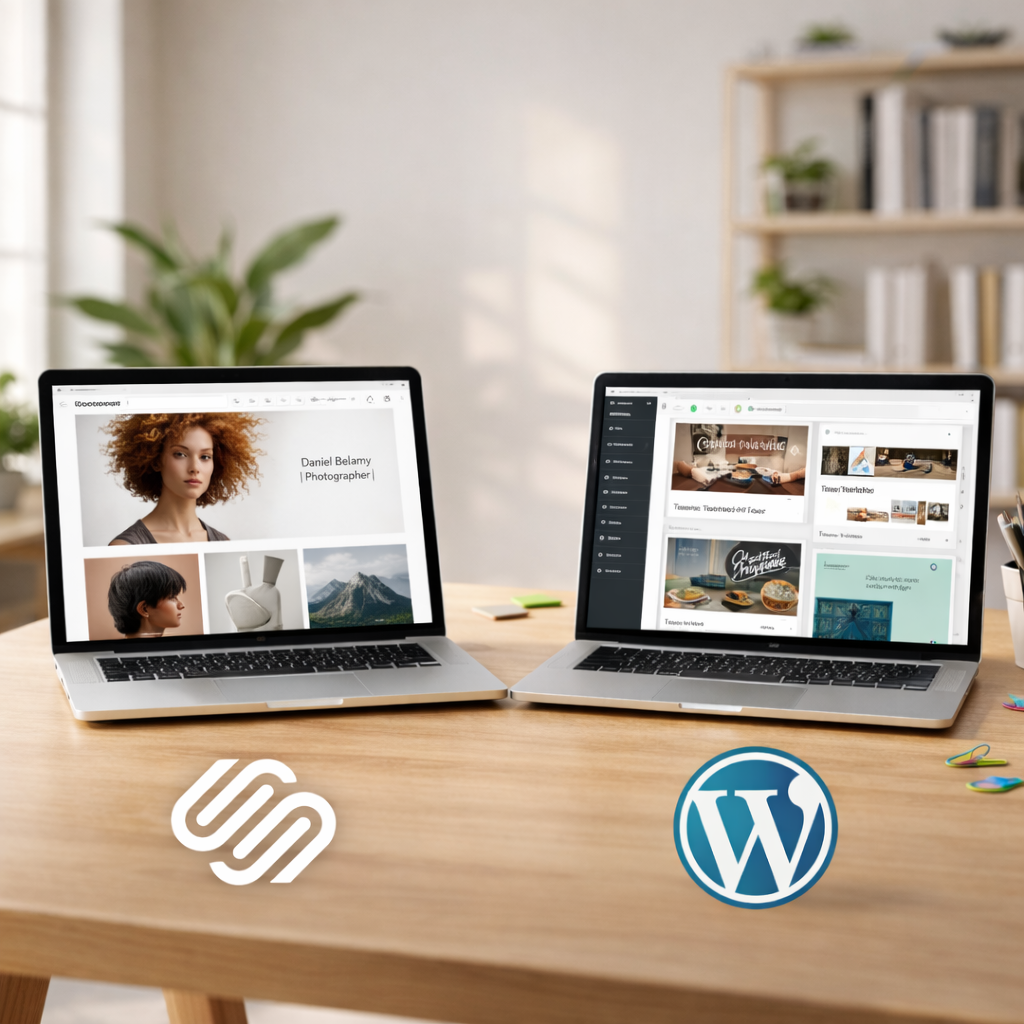
Squarespace and WordPress look a lot alike at first glance. Both let you make websites without writing code. But deep down, they have very different ideas about how things should work.
Squarespace is a website builder that hosts everything in one place. A single subscription includes hosting, security, templates, and updates. Everything is set up to work together right away.
On the other hand, WordPress is a content management system that anyone can use. You set it up on your own hosting, pick your themes and plugins, and run the site yourself. This gives you more freedom, but it also means you have to take more responsibility.
This main difference has an effect on everything else, like how easy it is to use, how customizable it is, how well it works with SEO, how well it performs, and how well it scales.
Website Setup Experience from Start to Launch
Many people think that the biggest difference between WordPress and Squarespace is how easy it is to get a website up and running.
Setting up Squarespace is quick and easy. You choose a template, use a drag-and-drop editor to add content, and then you publish. The platform takes care of hosting and connecting domains, which is great for beginners who want to get started quickly.
There are a few more steps to take with WordPress. You need a domain name, hosting, and to set it up for the first time. Even though many hosts make this easier, beginners may still have to learn how to do it. That being said, WordPress gives you full control from the start, which is something that advanced users like.
Verdict:
Squarespace seems easier if speed and ease of use are the most important things. WordPress wins if control is more important than ease of use.
Content Creation and Blogging Experience
For people who make content, blogging tools are more important than just design.
Blogging on WordPress is very adaptable. You can use categories, tags, custom post types, and advanced editors to sort your content. This is one reason why people often suggest using WordPress for sites with a lot of content and long-term blogging.
Squarespace blogging is easy to use and clean, but it’s not as powerful. It works well for brand blogs, portfolios, and updates for small businesses, but it doesn’t have the advanced content structuring options that WordPress does.
If your site depends a lot on content growth, this difference becomes important.
Customization, Plugins, and Extensions

One of the most important things to think about when comparing Squarespace and WordPress is how customizable they are.
You can change almost anything about WordPress. You can add features like advanced SEO tools, ecommerce systems, learning platforms, and custom integrations with thousands of plugins and themes.
Squarespace templates are very well designed, but they limit what you can do. You can change the styles and layouts, but you have to work in a controlled space. There aren’t a lot of plugins like WordPress plugins.
WordPress is clearly the best choice if you want full flexibility and feature growth.
SEO Structure and Content Visibility
Anyone who wants to grow their business over the long term should be very concerned about SEO.
WordPress vs Squarespace for SEO often comes down to control. You can change URLs, metadata, site structure, and performance in WordPress to a great extent. SEO plugins give people advanced tools for improving their content and technical SEO.
Squarespace has built-in SEO tools that do a good job of handling the basics, but they don’t give you much control over them. This might be enough for smaller sites. WordPress usually works better for competitive niches.
That’s why a lot of people who search for “is WordPress better for SEO than Squarespace?” choose WordPress for projects that are content-driven.
Design Systems and Brand Consistency
One of Squarespace’s best features is the quality of its designs.
The design of Squarespace sites is all about keeping things visually consistent. Templates are polished, responsive, and great for creative people who want a professional look without having to do a lot of customization.
The quality of WordPress themes varies a lot. Premium themes can look as good as or better than Squarespace, but the consistency of the design depends a lot on the theme you choose and how you set it up.
If brand aesthetics are more important to you than technical freedom, Squarespace often looks better right away.
Performance, Speed, and Technical Optimization
Performance affects both the user experience and SEO.
Squarespace takes care of performance on its own. You don’t have to worry about optimizing hosting or caching; the platform does it for you. This is helpful, but it makes advanced tuning harder.
The quality of your hosting and the choices you make about optimization affect how well WordPress works. WordPress sites can be very fast if they are set up correctly, but if they are set up wrong, they can take a long time to load.
WordPress is now more powerful, but it also needs more from you.
Ecommerce, Payments, and Business Tools
Both platforms are good for selling things online.
It’s easy to use Squarespace for online shopping. It works well for businesses that sell digital goods, small stores, and services.
WordPress ecommerce, especially with plugins, can grow a lot more easily. It can handle complicated product catalogs, subscriptions, and connections with tools made by other companies.
WordPress gives you more long-term options if you want to grow your online store.
Pricing Models Explained Simply
People often get the pricing wrong when they compare the costs of Squarespace and WordPress.
Squarespace uses predictable monthly pricing that includes hosting and support. This is ideal for users who want clear budgeting.
WordPress is free to use, but hosting, themes, plugins, and maintenance all cost money. Depending on how you build your site, it may cost less at first or more over time.
There isn’t a single winner; it all depends on your budget.
Maintenance, Updates, and Technical Responsibility
Many beginners feel lost when it comes to maintenance.
Squarespace takes care of backups, security, and updates on its own. People who aren’t tech-savvy like this hands-off method.
Unless your hosting provider takes care of it, you are in charge of maintaining WordPress. You need to pay attention to updates, backups, and security, but you get full control in return.
Security, Backups, and Data Control
Maintenance and security go hand in hand.
Squarespace has built-in security and backups that are taken care of for you. You don’t have to worry about it.
The quality of your hosting, the plugins you use, and how you use WordPress all affect its security. This makes things more complicated, but it also gives advanced users full control over their data.
Scalability and Platform Longevity
Scalability is often what makes users outgrow a platform.
Squarespace is best for small to medium-sized websites that have clear goals.
WordPress can be used to make anything from a simple blog to a business-level website. This makes it a better long-term choice for companies that want to grow.
A lot of people end up switching platforms, which is why “can you switch from Squarespace to WordPress?” is a common long-tail search.
Best Platform by Website Type
- Bloggers: WordPress
- Small business websites: Either, depending on complexity
- Ecommerce stores: WordPress for growth, Squarespace for simplicity
- Creative portfolios: Squarespace
- SEO-focused content sites: WordPress
Common Mistakes When Choosing a Platform
- Making decisions based on trends instead of goals
- Underestimating future growth
- Not paying attention to SEO and scalability
- Assuming that simpler is always better
Not making these mistakes can save you time, money, and stress.
Conclusion: Choosing the Right Platform for You
The Squarespace vs WordPress, It’s not about which platform is better; it’s about which one is better for you.
If you want something easy to use, well-designed, and not too much work, go with Squarespace.
If you want long-term control, flexibility, and the ability to grow, choose WordPress.
If you use both platforms for the right reasons, they can both work. The most important thing is to make sure that your choice fits with your goals, skills, and plans for the future.