
When building a modern WordPress website, visuals matter. Whether it’s a bold hero banner, an animated product showcase, or a dynamic content carousel, design elements often shape the first impression. That’s where the Slider Revolution WordPress plugin enters the picture.
But what exactly is it? And more importantly — is it worth using on your website?
Let’s break it down clearly and honestly.
What Is Slider Revolution in WordPress?
Slider Revolution is a premium WordPress slider plugin designed to create interactive sliders, carousels, hero sections, and visually dynamic layouts without coding.
Unlike a basic image rotator, it functions more like a visual editor inside your WordPress dashboard. With its drag and drop slider builder, you can design slides layer by layer — adding text, buttons, videos, shapes, animations, and even dynamic content pulled from blog posts or WooCommerce products.
If you’ve ever searched for “what is Slider Revolution” or “WordPress slider plugin explained,” this is the short answer:
It’s a powerful visual module builder for advanced sliders and interactive sections.
Core Features That Make It Powerful
1. Drag-and-Drop Visual Editor
You can create and customize slides visually. No coding required. The backend editor allows precise control over animation layers and positioning.
2. Massive Template Library
The plugin includes professionally designed templates — useful if you don’t want to start from scratch.
3. Animation Engine
This is where it stands out. You can control entrance effects, timing, transitions, and motion layers — ideal for modern hero sections.
4. Dynamic Content Integration
You can pull blog posts, WooCommerce products, or other data into sliders automatically. This makes it more than just a design tool.
5. Responsive Controls
Slides adjust for desktop, tablet, and mobile devices. You can fine-tune layouts for each screen size.
If you’re wondering how to create sliders in WordPress using Slider Revolution — it’s all done through modules and layers inside the visual builder.
Real-World Use Cases

Here’s where the plugin shines:
- Ecommerce product showcases
- Agency landing pages
- SaaS feature sliders
- Portfolio presentations
- Blog featured content sliders
Many designers prefer it because it gives creative flexibility that simpler plugins don’t.
How to Install Slider Revolution in WordPress
If you’re looking for a quick slider revolution tutorial for beginners, here’s a simplified overview:
- Purchase and download the plugin.
- Go to your WordPress dashboard → Plugins → Add New.
- Upload the plugin file and activate it.
- Access the plugin panel and create a new module.
- Customize slides and publish using a shortcode or block.
That’s the basic workflow behind how to install Slider Revolution in WordPress.
Does Slider Revolution Slow Down WordPress?
This is one of the most searched questions.
Because it includes animations and layered content, yes — it can impact performance if not optimized properly. However, the issue isn’t the plugin itself. It’s usually:
- Large uncompressed images
- Too many animation layers
- Heavy effects
- Poor hosting
To optimize Slider Revolution for speed:
- Compress images before uploading
- Enable lazy loading
- Limit unnecessary animations
- Use caching and CDN
- Monitor Core Web Vitals
If configured correctly, it can remain responsive and mobile friendly.
SEO Considerations
Many users ask whether it’s SEO optimized.
Slider Revolution can be search-friendly, but you need to:
- Use proper heading tags inside slides
- Avoid stuffing important text inside images
- Ensure mobile optimization
- Keep load time low
If you care about ranking, balancing design and performance is key.
Pricing & Licensing
The plugin operates on a license-based model.
You can buy Slider Revolution plugin licenses per site, and pricing depends on the plan selected. There’s no true free version, which is why many users compare it with alternatives.
If you’re evaluating slider revolution pricing plans, consider how much design flexibility you actually need.
Pros and Cons
Advantages
- Advanced visual editing
- High design flexibility
- Professional templates
- Strong animation control
- Dynamic content capabilities
Limitations
- Learning curve for beginners
- Can feel complex at first
- Requires performance optimization
If you’re asking “is Slider Revolution worth it?” — it depends on your goals. For designers and agencies, it’s extremely powerful. For bloggers who just need a simple image slider, it might be overkill.
Slider Revolution vs Alternatives
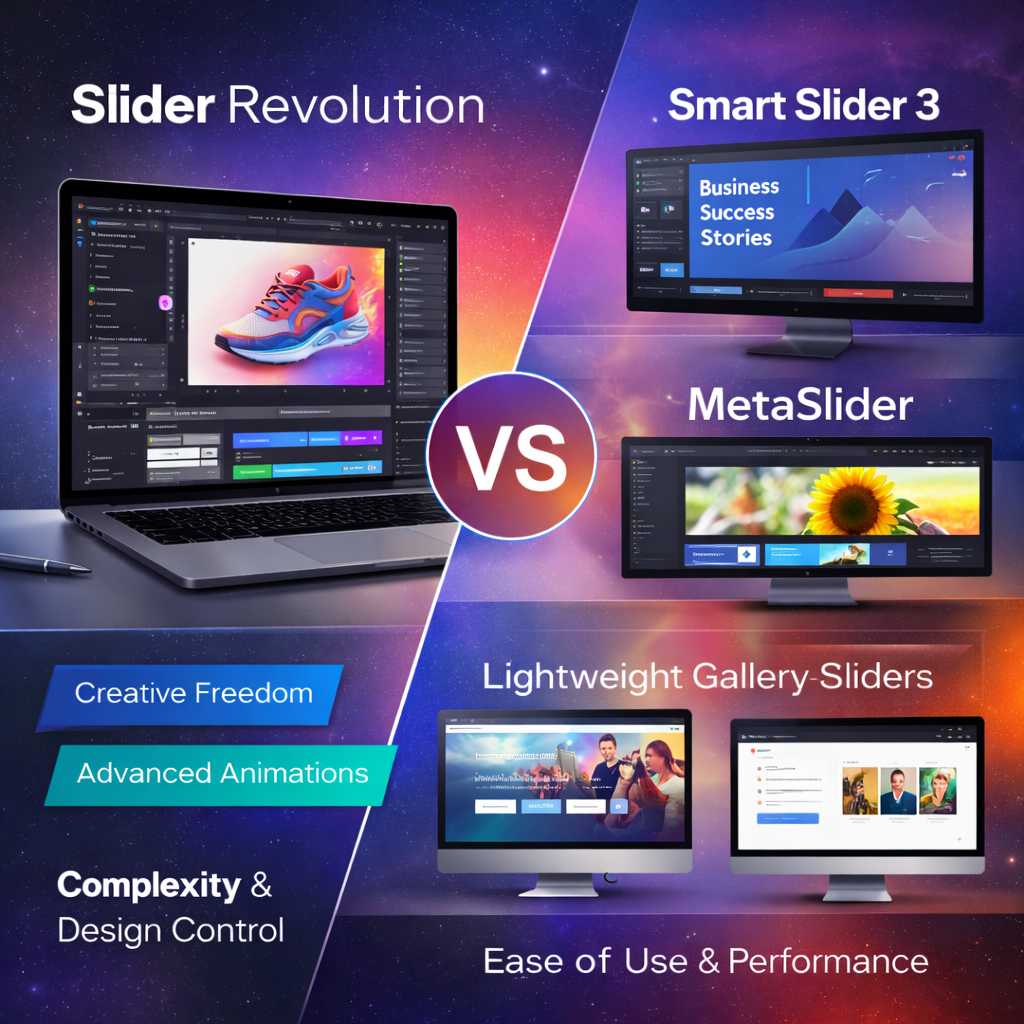
Some common alternatives include:
- Smart Slider 3
- MetaSlider
- Lightweight gallery-based sliders
If you’re comparing Slider Revolution vs Smart Slider 3, the main difference is complexity and creative freedom. Simpler plugins focus on ease of use and performance, while Slider Revolution focuses on animation control and advanced layouts.
Troubleshooting & Common Issues
Users sometimes experience:
- Update conflicts
- Compatibility issues with themes
- Broken animations after WordPress updates
Most problems are resolved by keeping everything updated and avoiding plugin conflicts.
Who Should Use It?
Ideal for:
- Designers
- Agencies
- Ecommerce brands
- Marketing-focused websites
Maybe skip it if:
- You only need a static image slider
- You prioritize ultra-lightweight performance
Final Verdict
The Slider Revolution WordPress plugin remains one of the most powerful visual slider builders available. It goes beyond traditional image sliders and offers advanced module control, animations, and dynamic content features.
However, it requires thoughtful optimization.
If used correctly, it can dramatically elevate your website’s visual appeal without sacrificing performance.